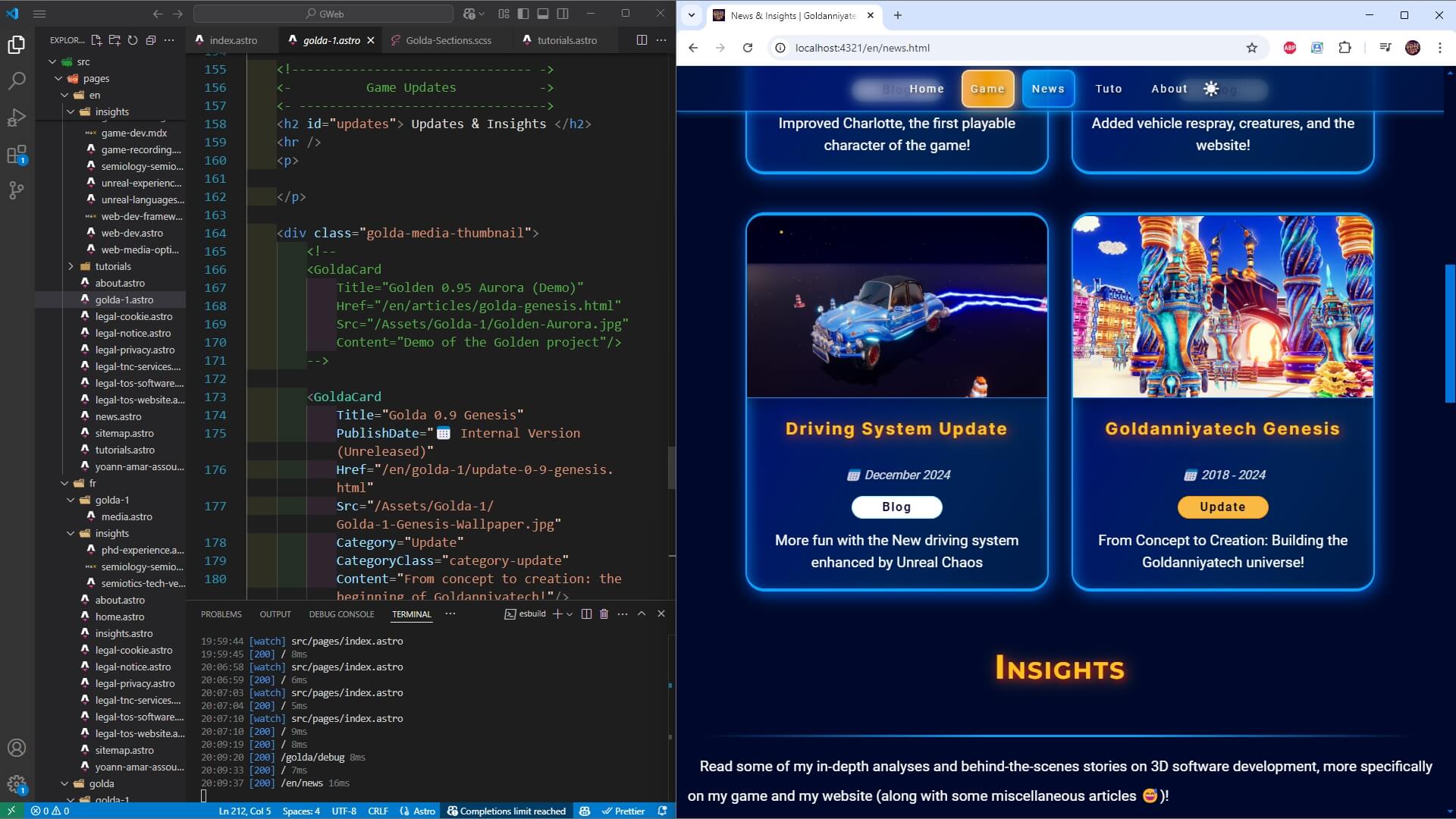
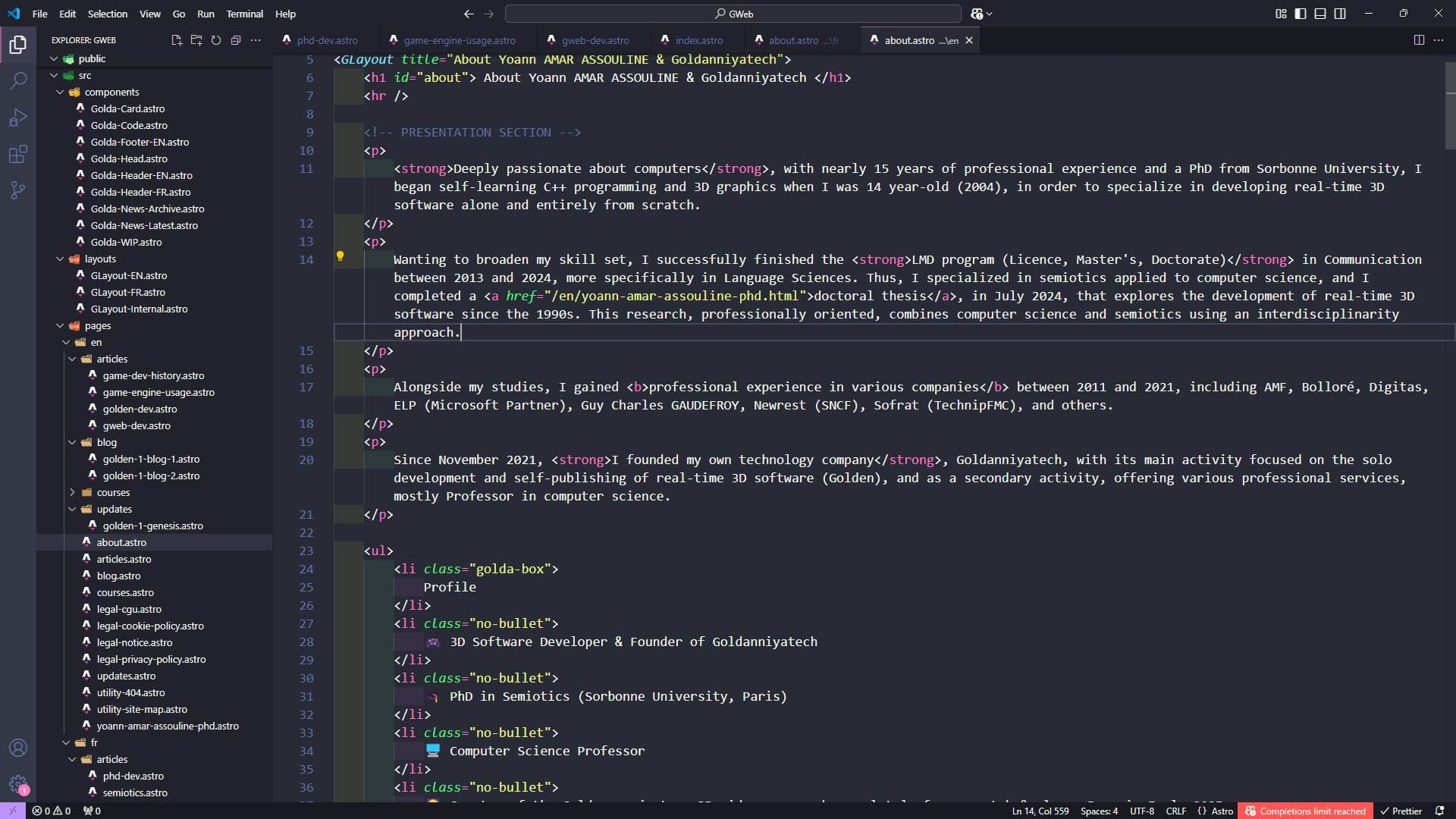
Beyond my strong passion for creating 3D games, I also have a huge interest in web development! I started learning the basics of HTML and CSS in 2005, while also experimenting with website builders.
Over time, I expanded my web development skills through professional experience, mostly in frontend prototyping and CMS management, as well as building web-based presentations at university for some semiotics-related studies.
I eventually became proficient in JavaScript, then its superset TypeScript, and PHP, which I used exclusively for templating headers and footers.
Moreover, creating a website entirely from scratch for my company and my game, Goldanniyatech, has been a great opportunity for me to continuously expand my web dev skills! And it really helped me gain a deeper, experience-based understanding of software development in general 😅! In fact, I now have a better grasp of essential software development principles (DRY, KISS, YAGNI, scalability, optimization), some programming concepts (like the event-driven paradigm), and UI design. This is largely due to the technical stack I will present next.
My website main goals
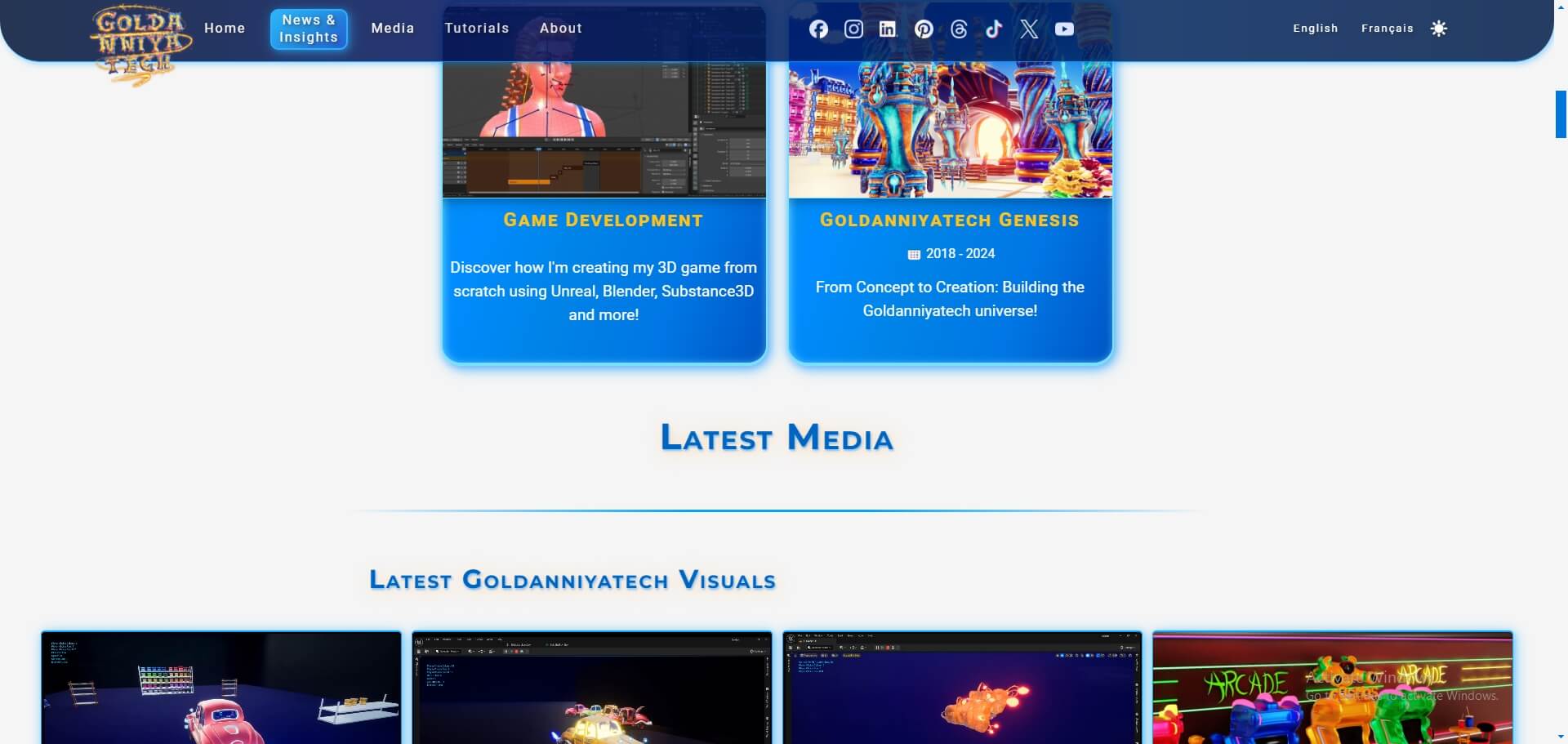
My main objective is to have an exceptionally fast website focused on media-heavy content and the lowest amount of pages. To achieve this, I treat each page as a standalone landing page, whenever it makes sense of course 😅.
⚡
Lightning Fast
Static architecture optimized for highest speed
Strategies for handling media-heavy content
🧪
Optional JavaScript
JavaScript interactions are designed with full compatibility for a non-JS visit on my website.
All scripts are written in TypeScript
My Current Tech Stack
By creating this website entirely from scratch, my main objective is to ensure that it is the most optimized website, specifically tailored to my own needs. Despite the fact that I only need a static frontend website (alright, not purely static, as I still need to have a Light/ Dark mode switch 😅), it is still quite a challenging task 😁! Thus, as of now, my technical stack, which is the set of technologies I use to build my website, consists of the tools and languages shown below.
Astro
Astro is a popular content-first, HTML-first JavaScript framework designed for building static websites. It's perfect for my content-heavy website.
Framework Static Website
Node.js
The JavaScript runtime environment that I only use to run my website locally (on my computer 😉)!
RuntimeLocal Dev
Visual Studio Code
My favorite text editor where I write my HTML, SCSS, and TypeScript code,
all within the Astro framework!
Text Editor
HTML
The markup language I use to write my pages, exclusively inside Astro files.
I don't use Markdown at all; I’m much faster with HTML and VSCode.
Markup Language
SCSS (Sassy CSS)
The preprocessor for CSS to style my website with cleaner syntax and modular structure.
CSS preprocessor
TypeScript
The superset of JavaScript that I use for the Light/Dark mode switch, but also internally within Astro files.
Programming Language
Making the Right Choices
Making the right technical decisions when building a website isn’t about using the most advanced tools; It’s about choosing the tools that truly fit my needs. In fact, one of the core principles of software development is, I believe, keeping an open mind about technologies and the tools we choose.
Having deep expertise in C++ and being a software developer doesn’t mean I have to use the most complex tools available. Instead, I firmly believe that my role as an expert is to choose the most effective tool; the one that gives me what I need in the shortest time possible, without major compromises on quality or control.
3 Ways of making websites
I believe there are three distinct levels of complexity when building a website:
Website Builders: No-code platforms such as Wix, SquareSpace or Shopify.
Content Management Systems (CMS): including the most popular platform: WordPress.
Frameworks: tools for having much control, like Astro or full-stack development such as Next.js.
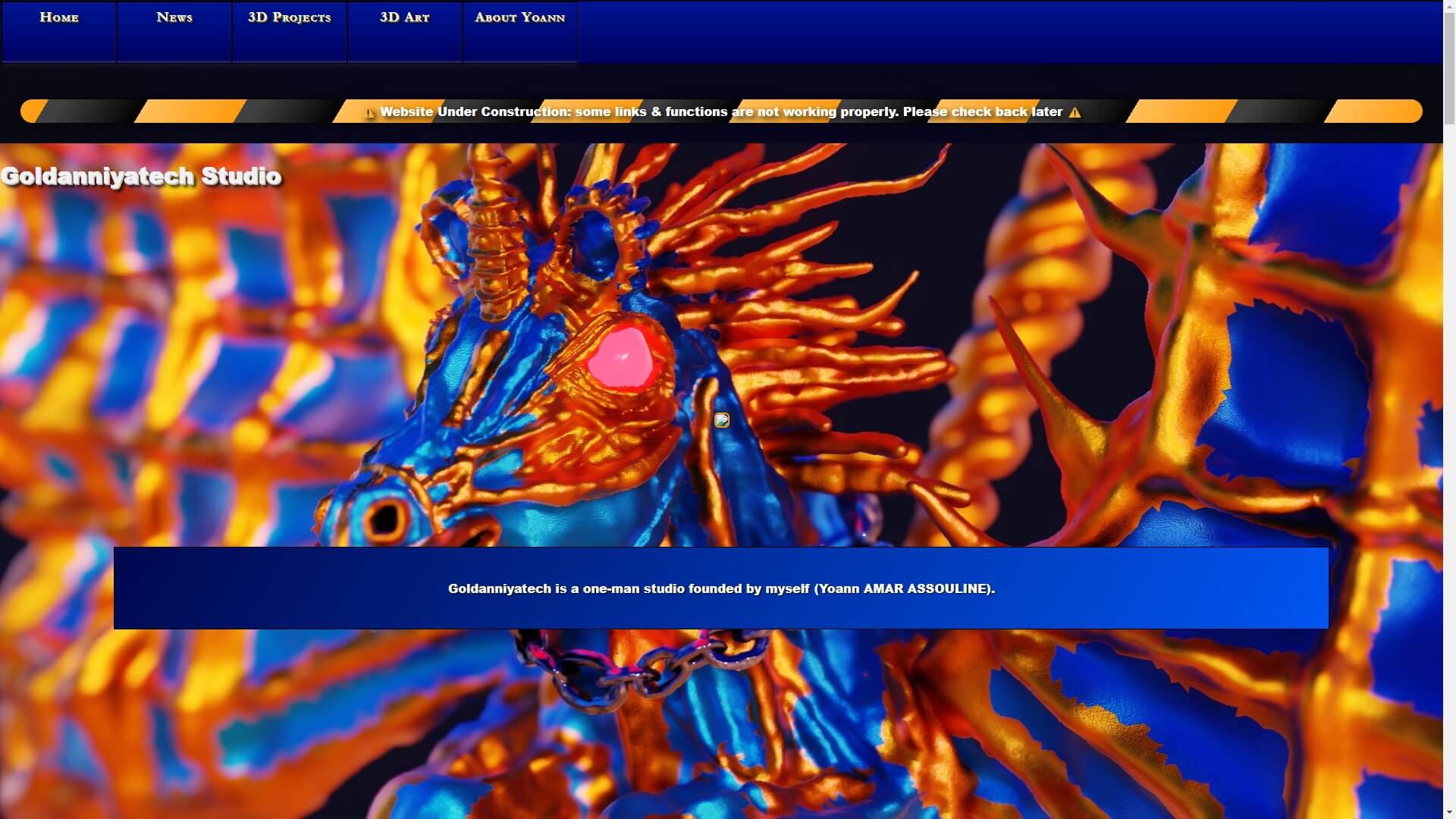
I’ve already tried Wix for a couple of months, long before opening my company in November 2021, to write internal documentation for the first Train Prototype of my game.
Although it was a very pleasant experience and incredibly fast (that’s the point of no-code tools 😅), I still wanted to have more technical control over my website, even if it takes slightly more time than using a CMS or a no-code platform!
The Astro framework was actually released in
June 2021,
but I didn’t hear about it until late 2023.
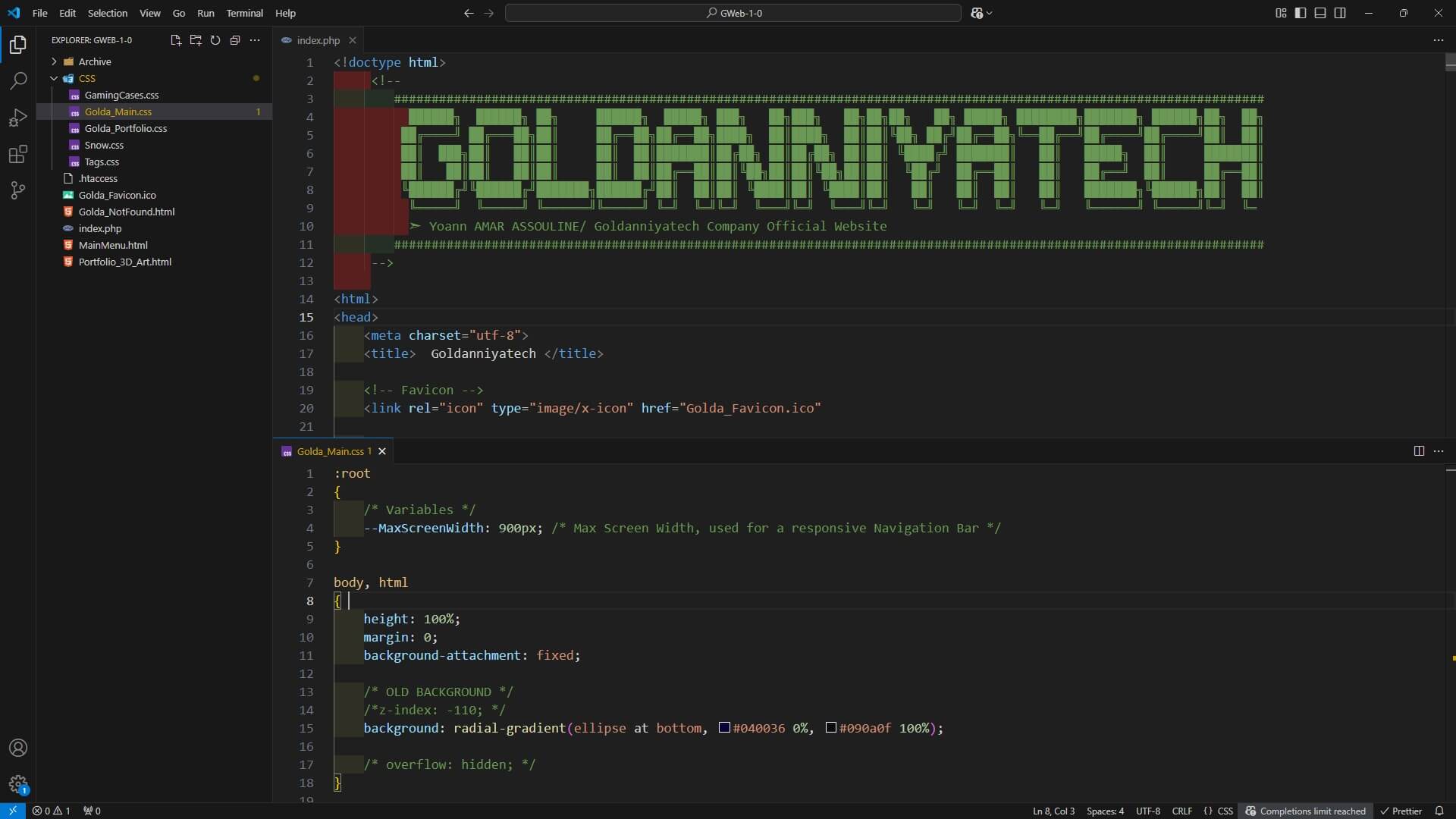
At first, I wanted to avoid using a library or a framework for my website, as I thought it might be overkill for just a couple of pages 😅! Thus, I decided to use PHP alongside HTML and vanilla CSS (i.e., the standardized version by the
W3C) in late 2021, after some initial tests with HTML and CSS only!
Although PHP is a server-side programming language, I only used it to make my life easier with HTML by writing some PHP templates (like
Twig, but my version was not as good 🤓) so I could make components instead of... Copying and pasting my main menu in HTML across multiple pages! Seriously, I'm a C++ programmer, and that HTML copy-pasta code gave me more nightmares than those monsters from Silent Hill 2 😅.
Avoiding Frameworks at first
Needless to say, I wanted to avoid using a framework like Symfony,
which is a massive overkill for a small amount of content. It's also primarily focused on back-end development, and uses the MVC architecture (Model-View-Controller), far too complex for a lightweight site.
I also experimented with NextJS,
mostly because I thought React was very interesting, but it turned out to be a bit heavy for my needs way back when. Then, the Astro framework started to gain more popularity throughout 2023 and 2024.
At that time, using PHP, HTML, and CSS seemed a good idea, but I was never really happy to use a server-side language for an almost purely static website. I wanted to use something different, more scalable and more secure in the future.
Adopting Astro Framework
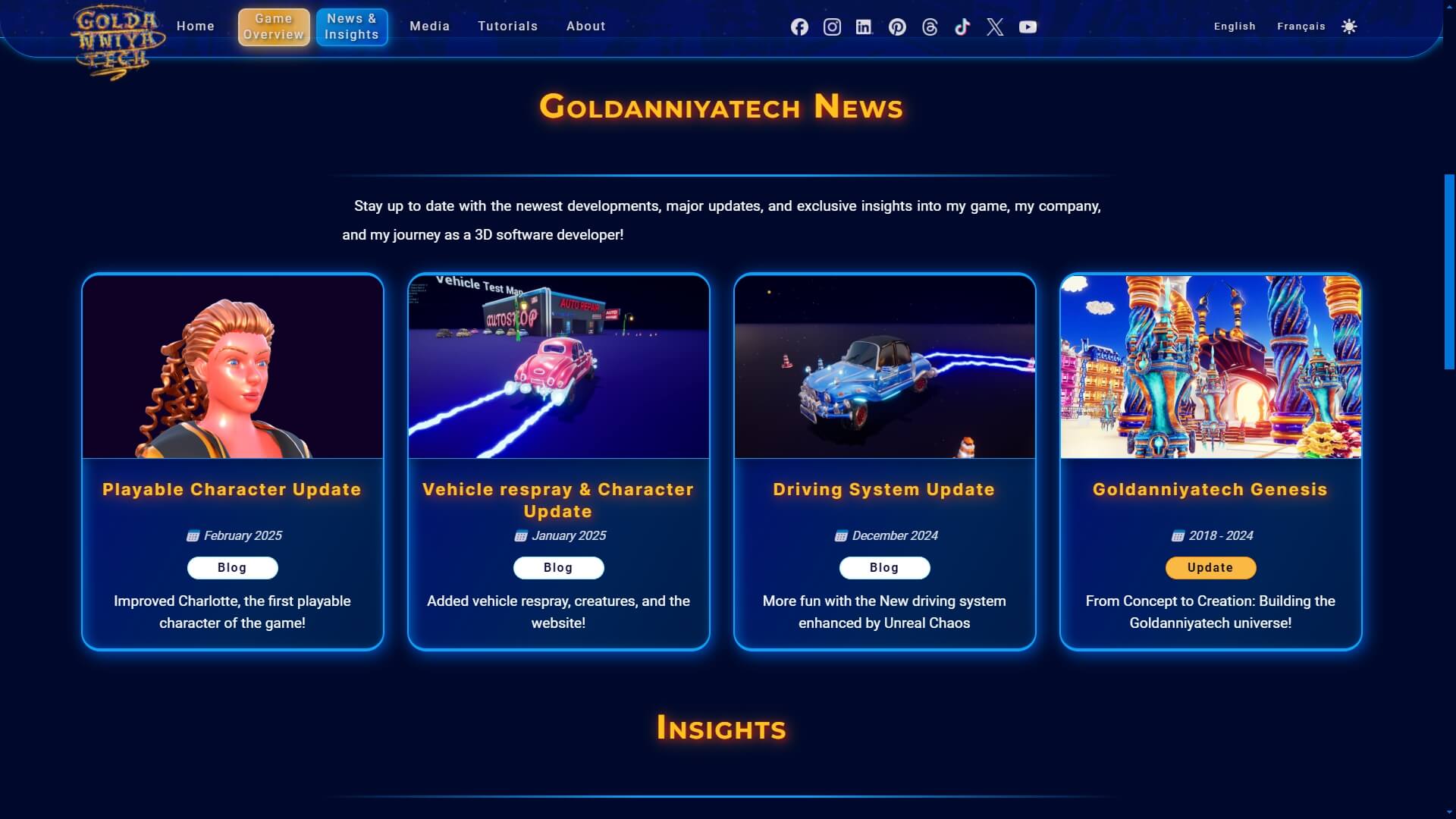
In mid 2024, I decided to completely switch to the Astro framework, as it was much more convenient and scalable than working without framework, especially since my website was no longer just a landing page.
And with both my teaching experience as a web dev instructor and my work with GWeb, I now firmly believe that creating websites without frameworks is now absolutely pointless, even for beginners or hobbyists, unless the person has genuine difficulties using computers.
The primary purpose of Astro is to create a static website, and I'm only using it mostly for static content. However, Astro allows the integration of dynamic UI components on any page, referred to as islands
in this Framework!
I don't need this feature for now, but I firmly believe that scalability is extremely important in software development, i.e., the ability to add more complex features to your software or product. Thus, if I ever need to integrate dynamic UI components in the future, for whatever reason, I know I can still use Astro.
HTML Documents
To write my content, I use HTML (unsurprisingly 😅) embedded inside Astro files. In fact, I try to keep my HTML code as simple and maintainable as possible, and platform-agnostic. For this reason, I avoid some HTML tags, and try to present the content using standard HTML.
I also avoid using Markdown (MD and MDX files), as I'm really accustomed to HTML and very quick to write code, especially with Emmet abbreviations in Visual Studio Code.
SCSS Stylesheets
For the website design (technically its stylesheet), I decided to use SCSS instead of plain CSS, because it's closer to a programming language (not a full-fledged one, though 😉)!
It has some pretty nice advantages over CSS, such as modules (having separated files) and mixins (reusing groups of properties like color or font-size). Nesting is also great, as it's pre-compiled instead of being parsed by the web browser in the regular CSS!
Full Control over my design
Besides, I also decided to avoid any CSS library like Tailwind because I wanted full control over my website appearance, and I mostly take inspiration from technical documentations and Wikis like Fandom.
My ultimate goal is to create a minimalist design, so players will focus on my games more than the website's appearance! 😅 The most important thing, though, is clearness and having a website incredibly quick! I want every future player (website user) to be able to click and access any information on this website in less than a second.
Stylesheet optimization
Also, I exclusively rely on system fonts, as I wanted to avoid using Google Fonts or any other font library. I think that system fonts are very good, and they are already installed on your computer, thus loaded instantly 😅!
TypeScript & JavaScript
TypeScript is a particular case for my website! As much as I like to use programming languages (and the idea of writing JSX is brilliant in my opinion), I am still building a static website. Since my website doesn't even require interactions, there is no need for front-end libraries like React.
Thus, my goal is to be as close as possible to a Zero JavaScript Website! For reference, the TypeScript language is transpiled into JavaScript, as web browsers can't read TypeScript, which is why I say zero JavaScript 😉.
As a developer of an open world game, optimization is incredibly important! That is why I focus on constantly optimizing my website as well, which can make the experience quite enjoyable... Or really frustrating, to say the least 😅!
Google Lighthouse
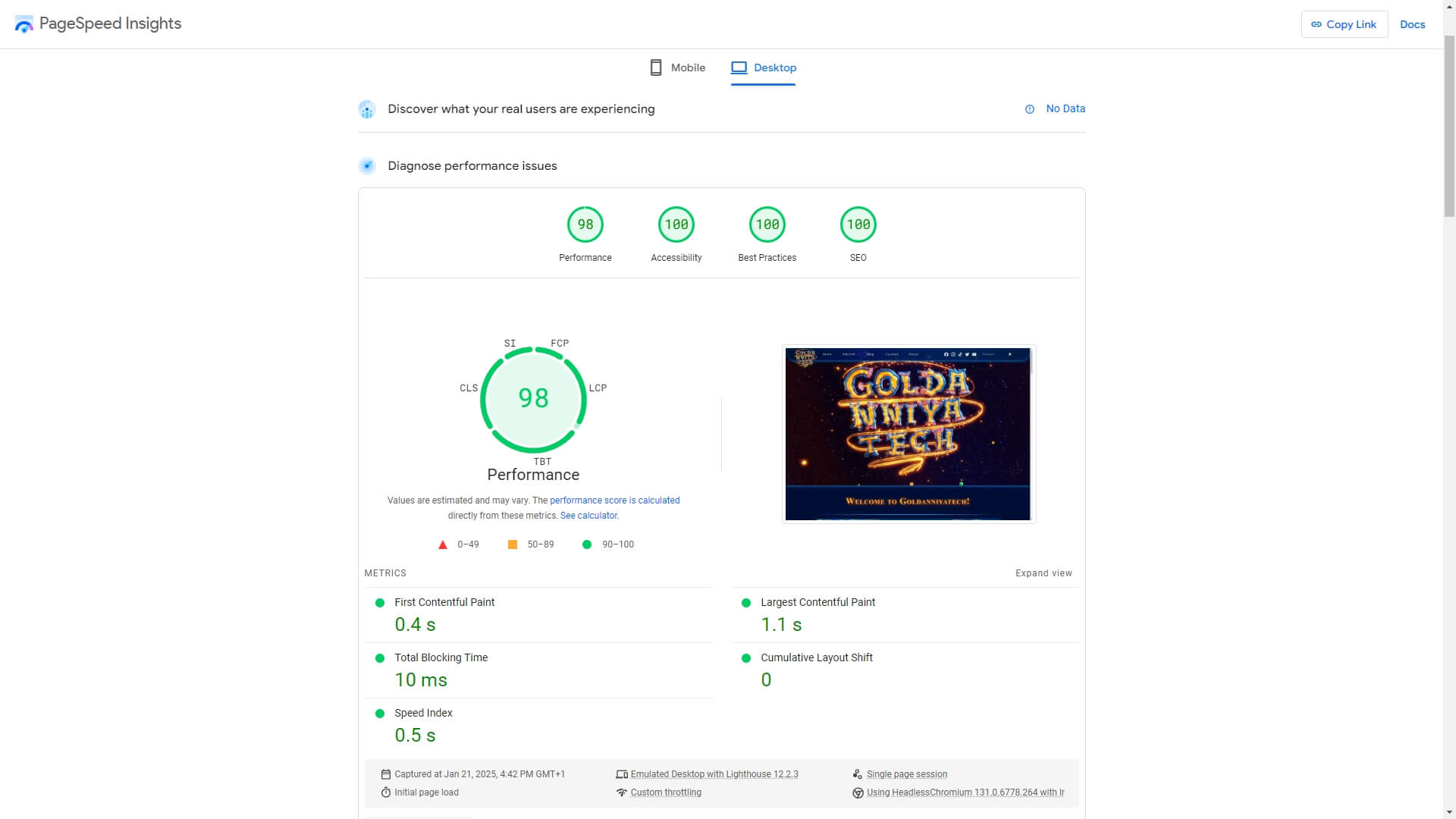
To test out my website performance, I rely on Google Lighthouse, a tool that will measure a website and indicate potential issues. I usually try to maintain my score above 90 or 95, if possible.
Obviously, Lighthouse score can provide valuable insights, but it should be considered as an indicator rather than an objective truth. I do not use other tools, such as GTmetrix, because my website is already very simple, so I avoid doing some in-depth analysis that will not be useful for me 😅.
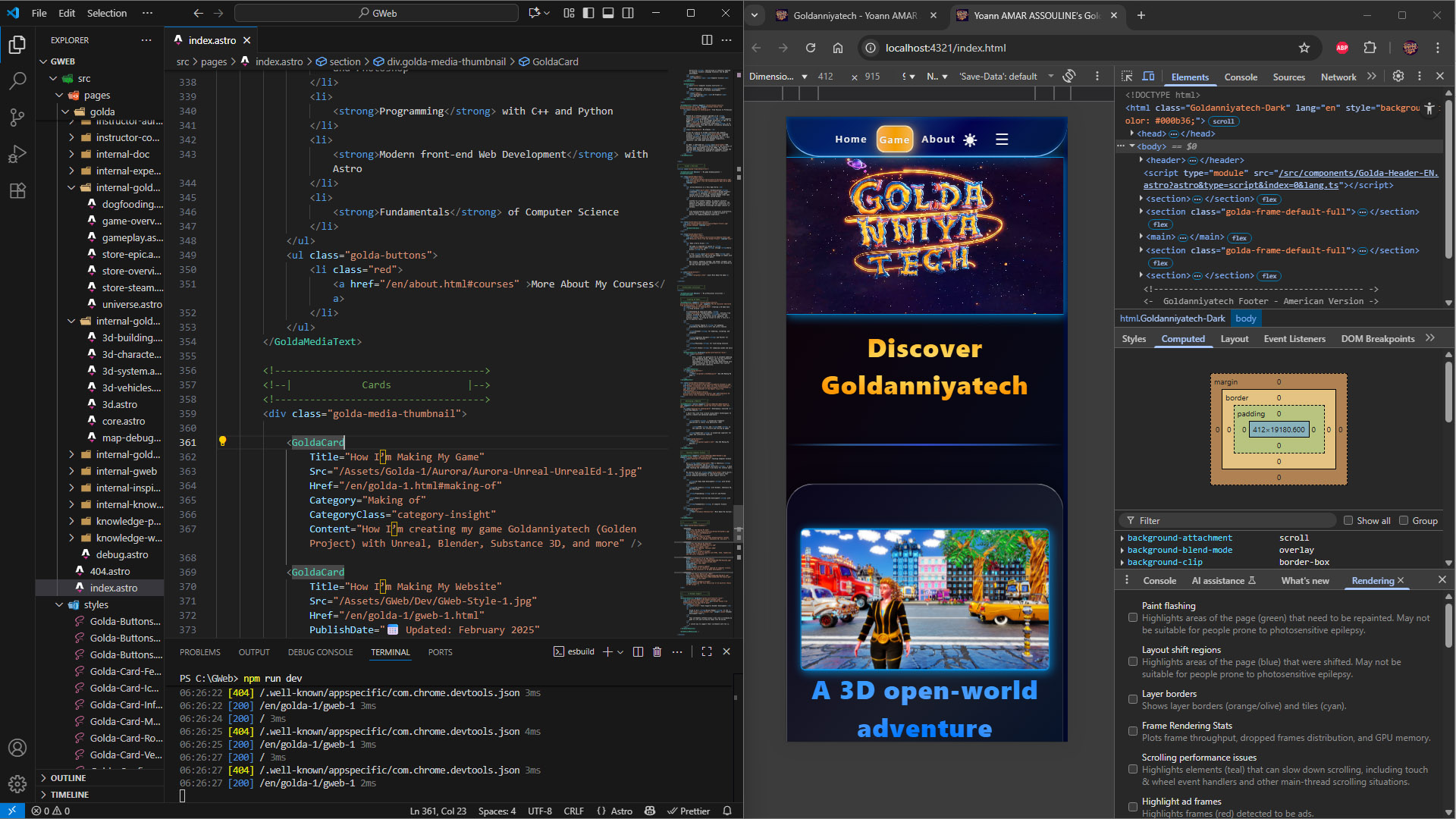
I always make sure that my website is 100% responsive and mobile-friendly. I believe that it's extremely important because, as of December 2024, the global mobile market share exceeds 64%, according to StatCounter. Thus, to test the mobile version, I primarily rely on Google Chrome DevTools, though I occasionally check my website on my smartphone!
In order to know what resolution to use, I simply rely on the WCAG Reflow level, which is designed for accessibility. It explicitly suggests a minimum screen (what is called the viewport in web dev) height of 320px and width of 256px.
Besides, my stylesheet has two breakpoints, which are viewport sizes (width, in that case) where the layout changes, or "break": 900px and 1200px. Those are based more on my content, rather than relying on any particular mobile device width.
Desktop-centric Experience
Another thing to point out is that I designed my website as a Desktop-first experience, and then I adapted it for mobile. I firmly disagree with the Mobile-first design philosophy, as it can be quite limiting and might make the Desktop experience less appealing, to say the least.
Besides, as a game developer, I also find the whole idea of a Mobile-first game development philosophy extremely hard to scale for Desktop games, so I guess I have the same vision for web dev 😅!
Right off the bat, I wanted to make sure that my website is as privacy-friendly as possible! I personally don't care at all about my info collected online, outside of my personal info of course, but I know some people do care. And, since I’m building the website from scratch, I have nearly full control over its design and functionality.
Therefore, my primary goal was to avoid using third-party tools to track users, such as Google Analytics. It's cool to have some stats about visitors, but my goal with this website is to present myself, my company, and my games.
Zero Data Collection
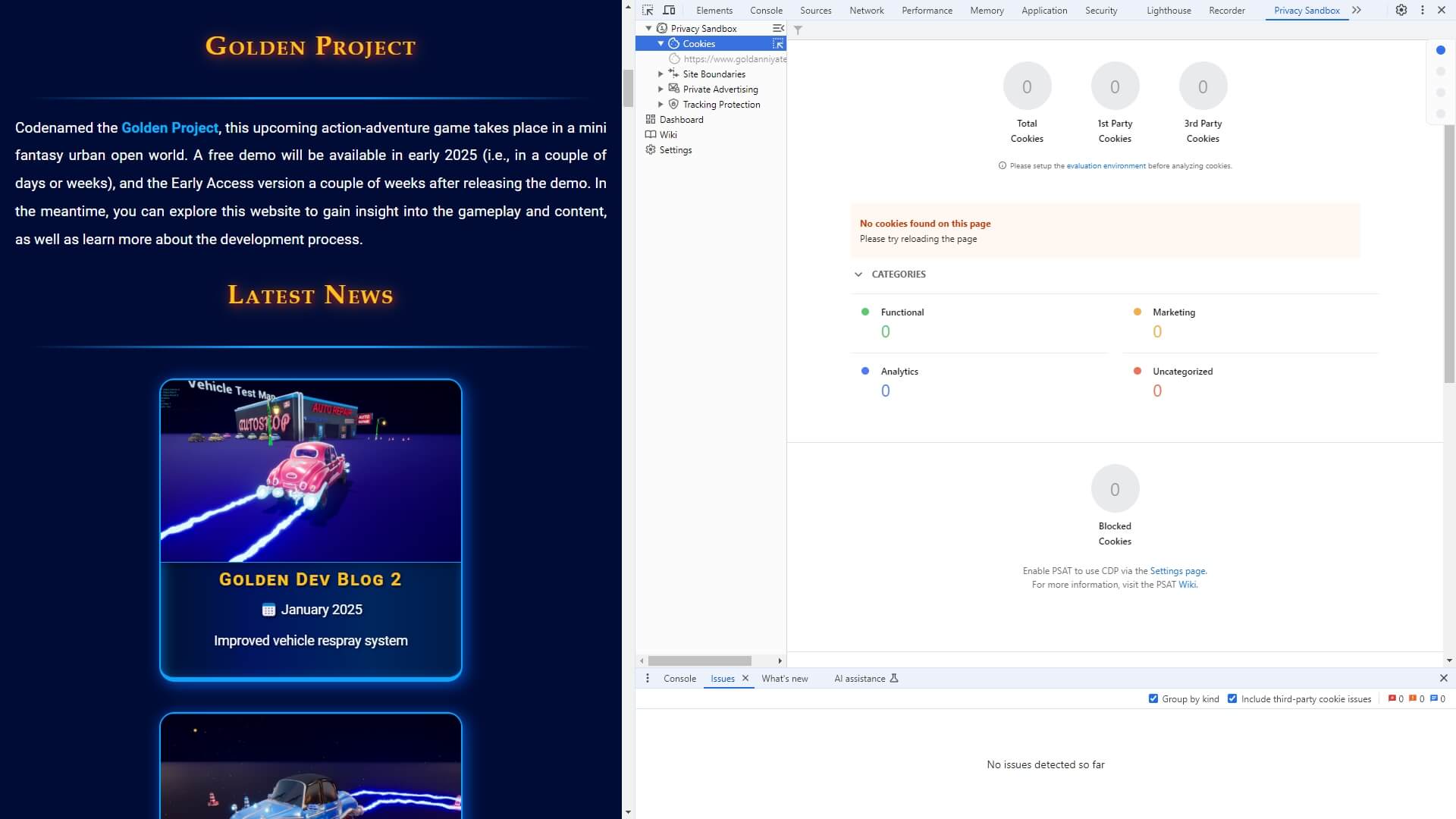
My principle of zero data collection and storage is very important. Therefore, I use the Privacy Sandbox Analysis Tool from Google to make sure that my website is privacy-friendly.
Building a full-fledged professional website is indeed a huge endeavor! However, I firmly believe that working on real-life projects such as this website is the best way possible to sharpen web development skills.
The Future
For a simple static website like mine, future trends in web development are unlikely to change my workflow, tools, or decisions. While Astro is still relatively new, I use the same fundamental web languages and principles, and everything is pretty much stabilized on my website.
I only try to keep up with the latest information on the Astro framework, although I do not think I will ever add any library like React here. However, once my game is released, it’s hard to predict what new features or changes I may need to implement. This is why I regularly use Next.js and do some small projects with it. So if I will need the power of React and Next.js, I will already be quite used to it.